Use the brand. Use it well.
Logos, colors, type, product screenshots and approved copy for anyone writing about, reviewing, selling or partnering with GreyArm.
The wordmark and the mark.
SVG for anything that scales, transparent PNG for everything else. Lead with the wordmark; use the mark alone where the name already appears or space is tight.



Keep other text, edges and graphics at least half the mark’s height away from the logo on every side.

Below these sizes the mark’s cut closes up. In print, keep the wordmark at least 25 mm wide.
Monochrome, with one signal.
Night and Paper carry almost everything. Signal orange marks AI activity and the one action that matters on a page; red is reserved for real risk.
AI activity and calls to action. Use sparingly.
Backgrounds. GreyArm is dark first.
Text and logos on dark.
High risk only. Never decoration.
Healthy and protected states.
Light by default. Bold for emphasis.
Headlines in Light (300) with the key phrase in Semibold (600). Body copy in Regular at a comfortable size and line height.
Small uppercase labels with wide tracking, plus numbers, hosts and anything technical.
A few simple rules.
- Use the white logo on dark backgrounds, the black logo on light ones
- Keep clear space of at least half the mark’s height on every side
- Scale the SVG files; they stay sharp at any size
- Write the name as GreyArm: one word, capital G and A
- Stretch, rotate, outline or add shadows or gradients to the logo
- Recolor it beyond white, black or Signal orange
- Place it on busy photos where it loses contrast
- Write “Grey Arm”, “Greyarm” or “GREYARM” in running text
Say it the same way.
The product and company are both GreyArm. Our line is “See what should not be here.” Use these descriptions as written.
GreyArm shows you which AI agents are running on your computers and lets you stop the ones you don’t want.
GreyArm detects the AI agents running on your computers, shows which AI services they talk to and how risky that is, and lets you contain them with a change you can always undo.
GreyArm shows you which AI agents are running on your computers, which AI services they talk to and how risky that is, and lets you contain the ones you don’t want with a change you can always undo. It runs on the device, works offline and collects metadata, never content. Households use it to see what AI is doing on family computers; small businesses, developers and home labs use it to keep coding agents and assistants in check. GreyArm is made by GreyArm, LLC. Learn more at greyarm.com.
Show the real product.
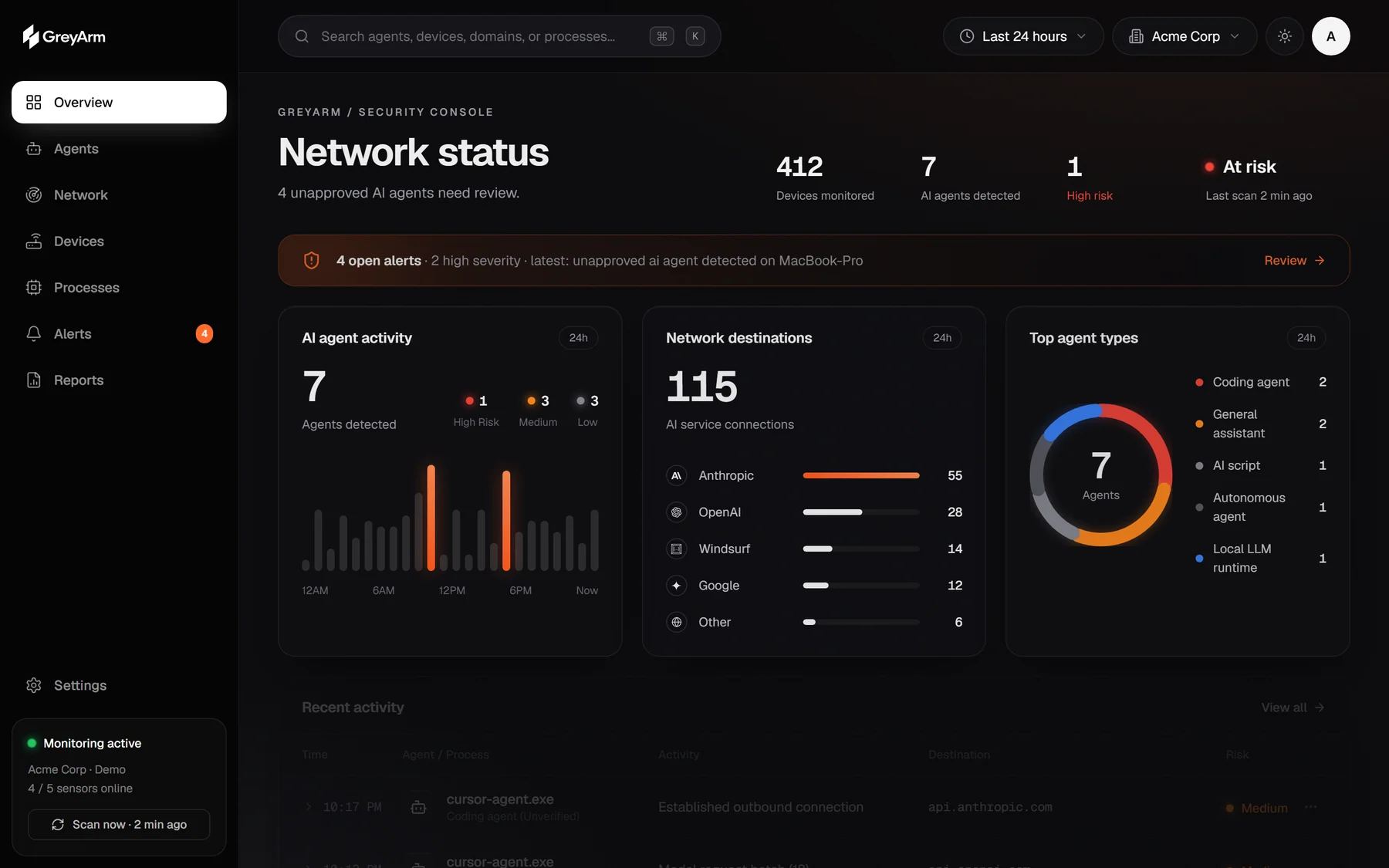
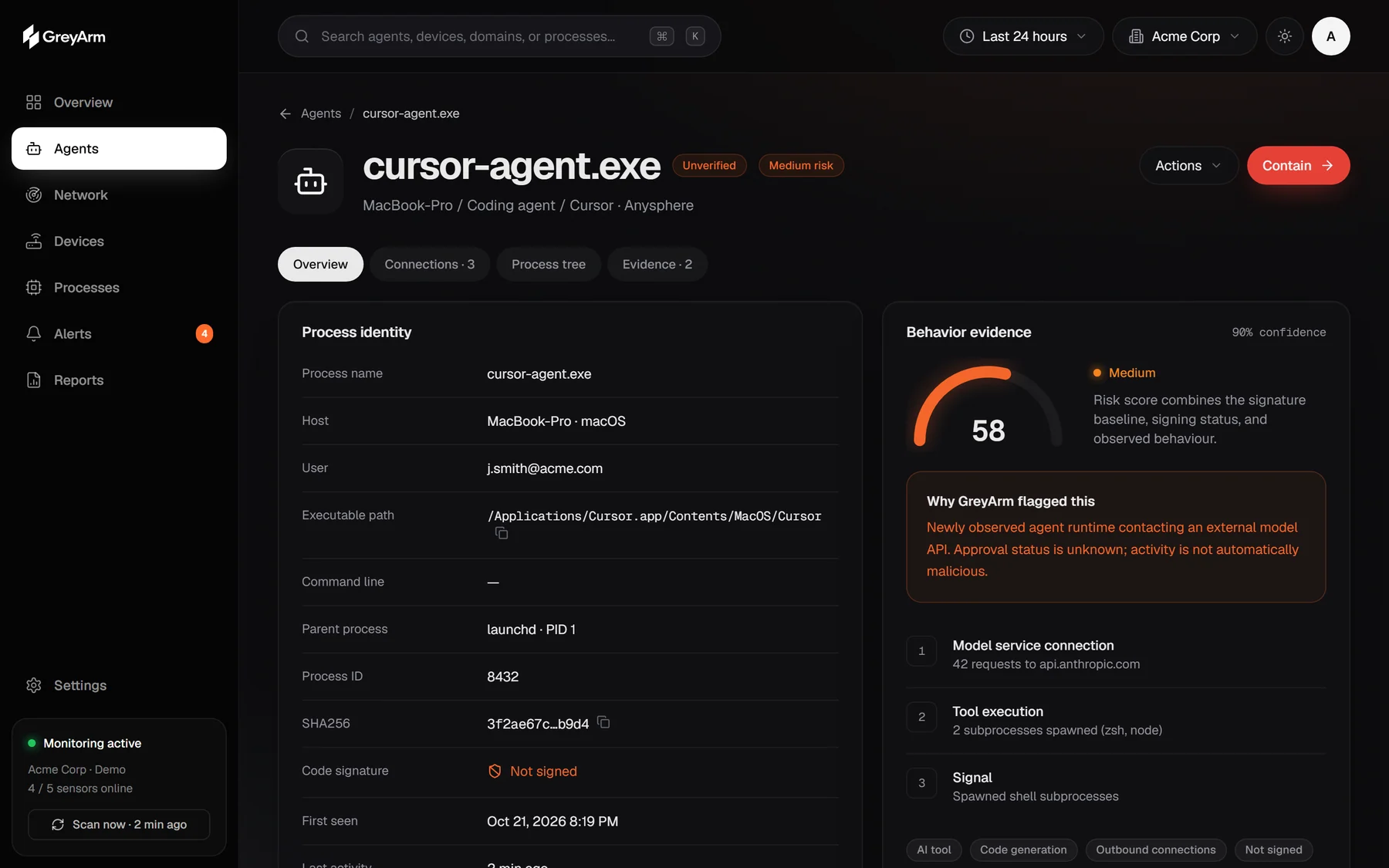
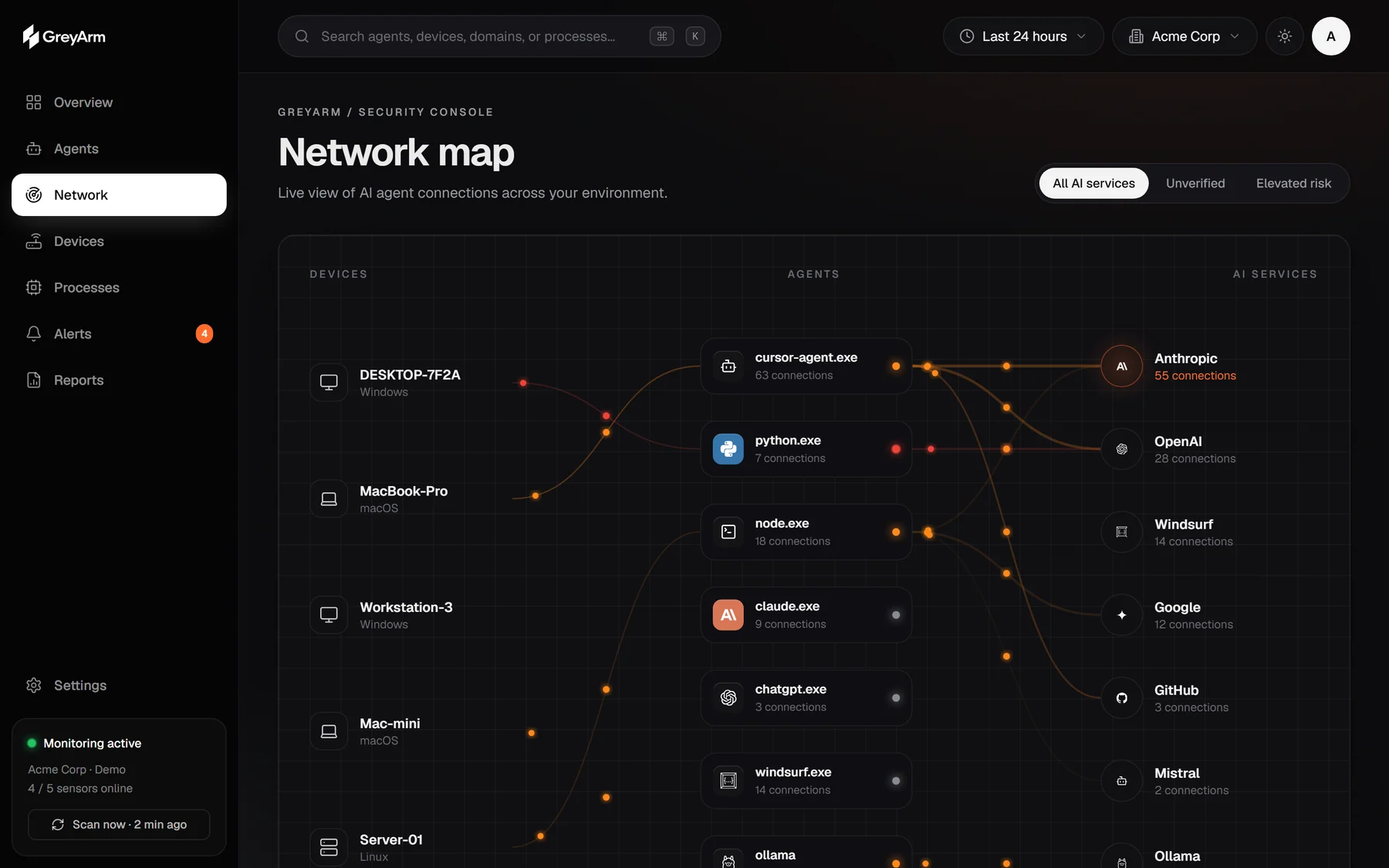
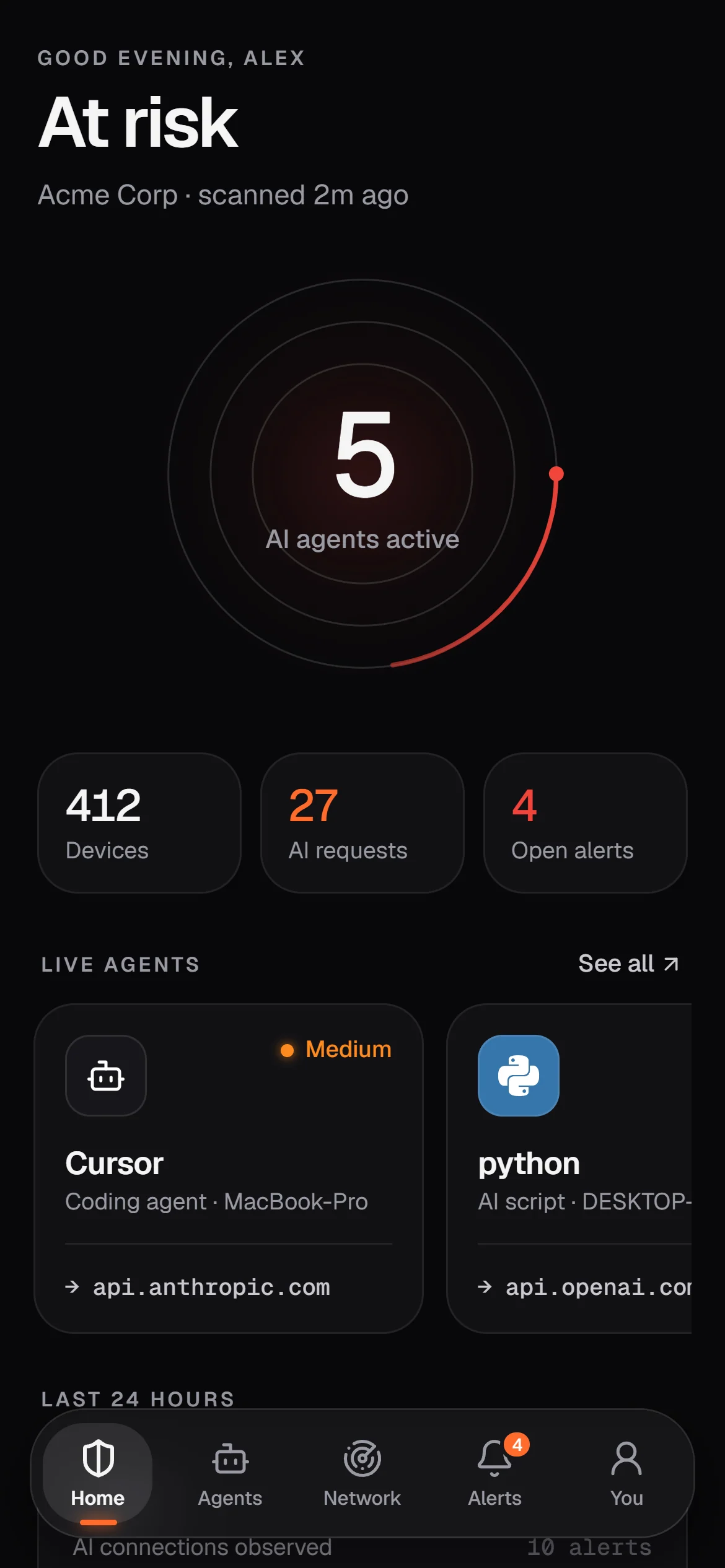
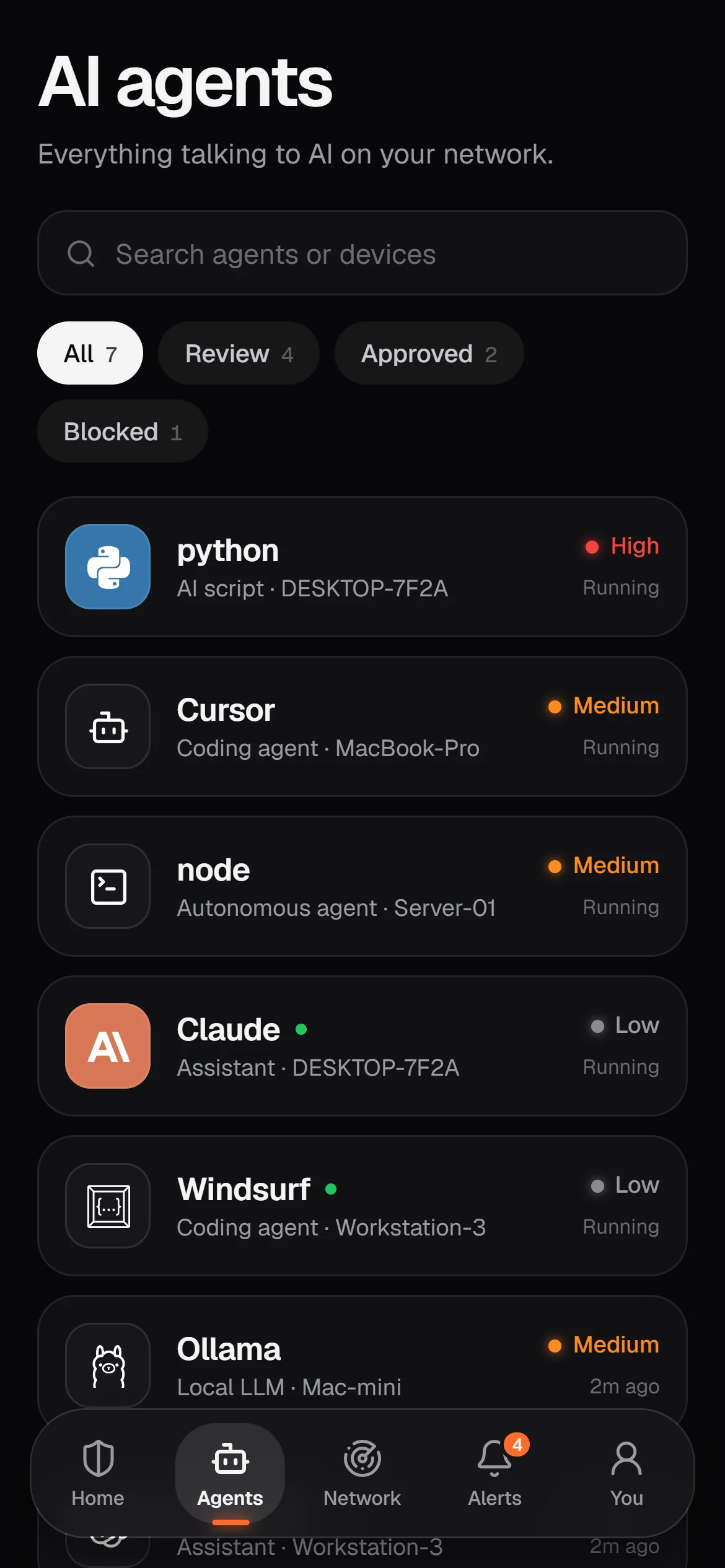
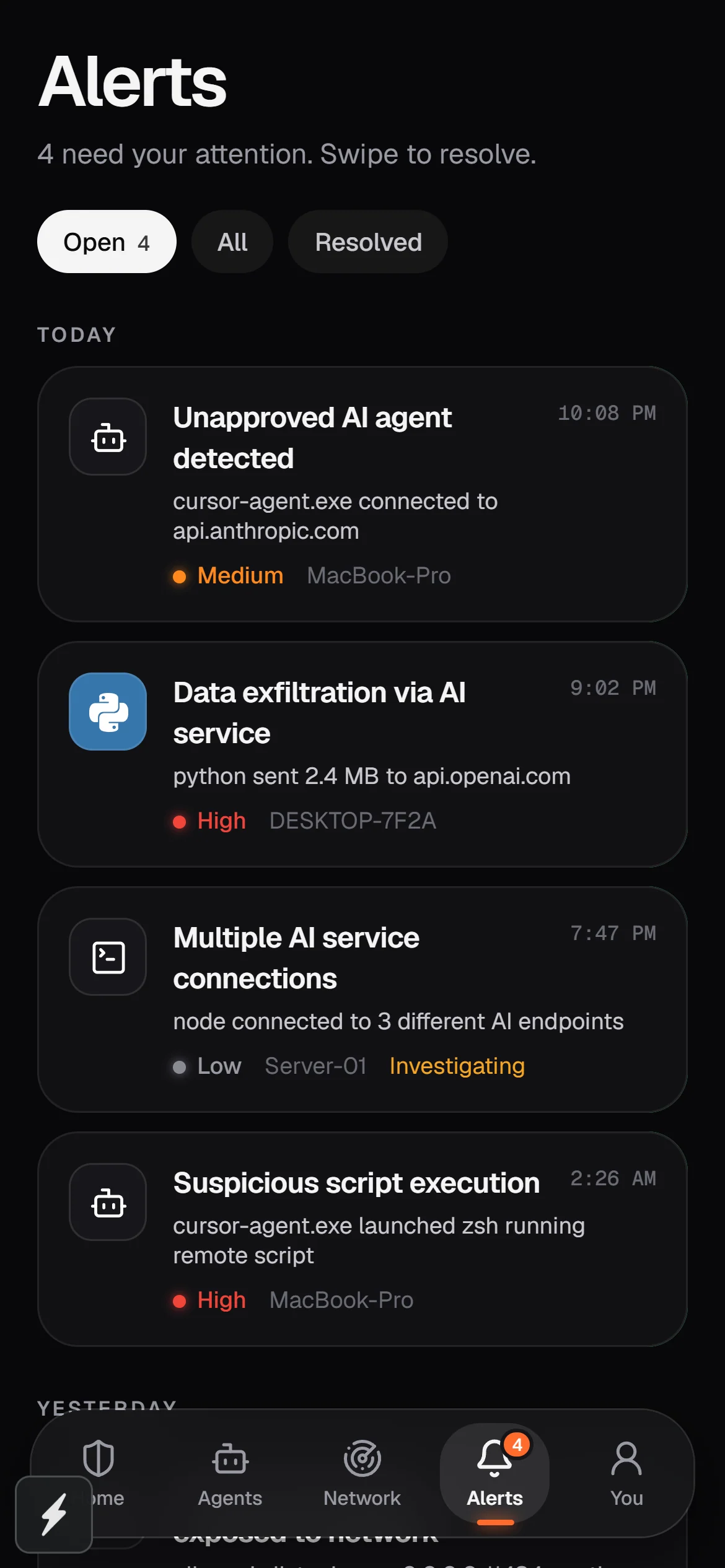
Please use these captures rather than your own mock-ups, and don’t alter what they show. Click any image for the full-size PNG.



Planning a campaign, a partnership or anything beyond these guidelines? Send us a draft and we’ll help you get it right.