See what AI is doing
on your computers.
AI agents can open your files, run commands and send data out. GreyArm shows you which ones are running, alerts you to new ones and stops what you didn’t approve.
- No card needed
- Set up in 2 minutes
- Windows 10 & 11
AI stopped just answering questions. Now it takes action.
The new generation of AI doesn’t wait to be asked. It runs on your computers with the same access you have — and most people have no idea which ones are there or what they’re doing.
Agents open files, run commands and browse the web on their own — sometimes for hours, with nobody watching.
Every request goes to an AI company’s servers. Documents, code, screenshots and customer records go with it.
A chatbot the kids downloaded. A coding assistant an employee installed. An AI feature added in an update. Nobody keeps a list.
One app. Home or business.

- See the AI apps on the family and kids’ computers
- Find out what each one can open, run and send
- Switch AI services off for the whole Wi-Fi
- Get a phone alert when something new appears

- Spot “shadow AI” staff installed on work computers
- See which AI companies your business data is going to
- Approve the tools you trust, block the rest
- Keep a record of every decision, with evidence
Install once.
See it all.
Put GreyArm on each computer. Every ten seconds it quietly checks for programs that use AI — and maps the other devices on your network. No setup, no technical knowledge.
Named on sight.
Hidden ones too.
28 AI apps and agents recognized by name, and 30+ AI services. Unknown ones often give themselves away by what they do — a script quietly calling an AI service, a browser being driven by a robot, a program talking to three AI companies at once.
The AI it already knows.
Chatbots, coding assistants, autonomous agents and AI running privately on your own machines. Hover any tile to see what it can do.

AI-first code editor that reads your workspace and runs terminal commands on your behalf.
Google terminal agent with tool use and shell access.
Terminal coding agent.
Perplexity desktop / Comet agentic browser.
Multi-agent conversation framework.
Automated browser session — commonly driven by agents.
Local model runner with an OpenAI-compatible server.
Where does
your data go?
Which computer, which program, which AI company — and how often. Every finding comes with a risk level and a plain-English explanation, so you know what actually matters.
Stop it
with one tap.
Approve what you trust. For everything else, make one decision — from your desk or your phone — and GreyArm shuts it down on that computer. Change your mind? Undo it any time.
- Shut the program down
- Cut off its AI access
- Stop it coming back
- Take the computer offline
Every computer,
one screen.
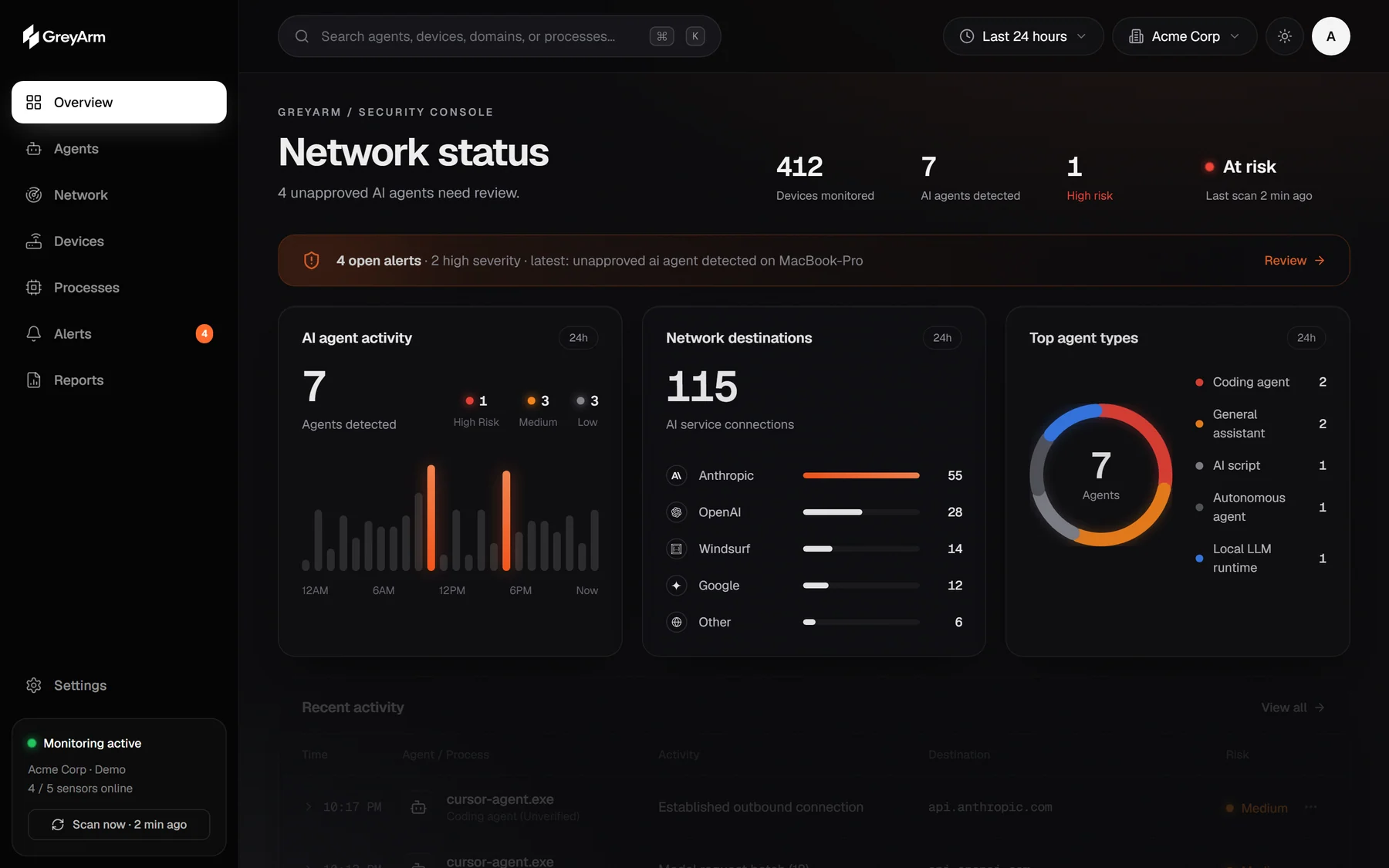
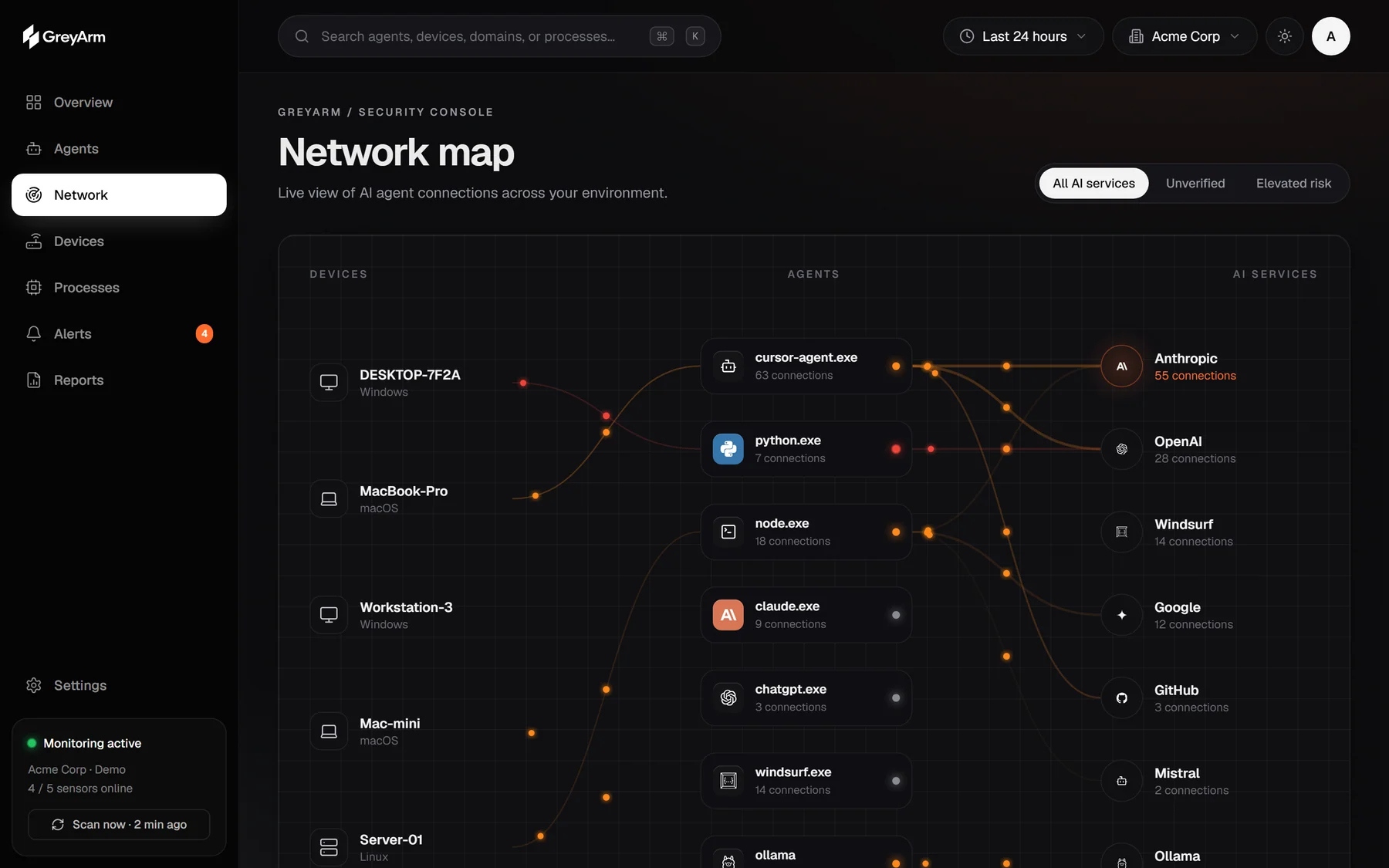
Follow each computer to the AI running on it, and each AI to the company it talks to. Risky paths glow.
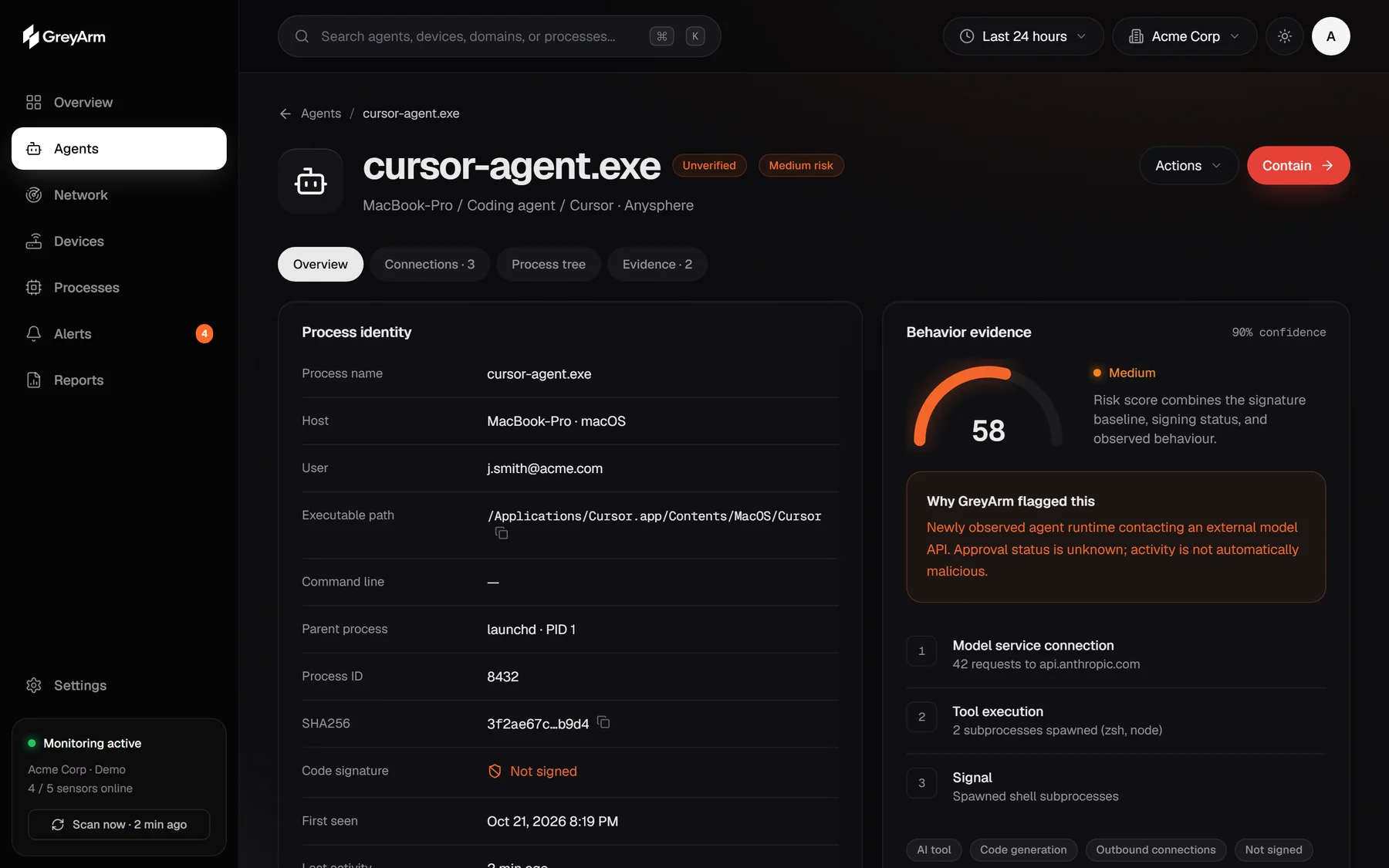
What happened, why it matters and what to do — with the raw evidence and MITRE ATT&CK mapping for IT teams.
Approvals, blocks and shutdowns — who, when, and what happened. Ready when someone asks.
New AI?
You’ll know.
A new AI on the kids’ laptop. An assistant on the office PC sending files out at 2 a.m. You get an alert on your phone and can approve or stop it with a tap — iPhone, iPad and Android.
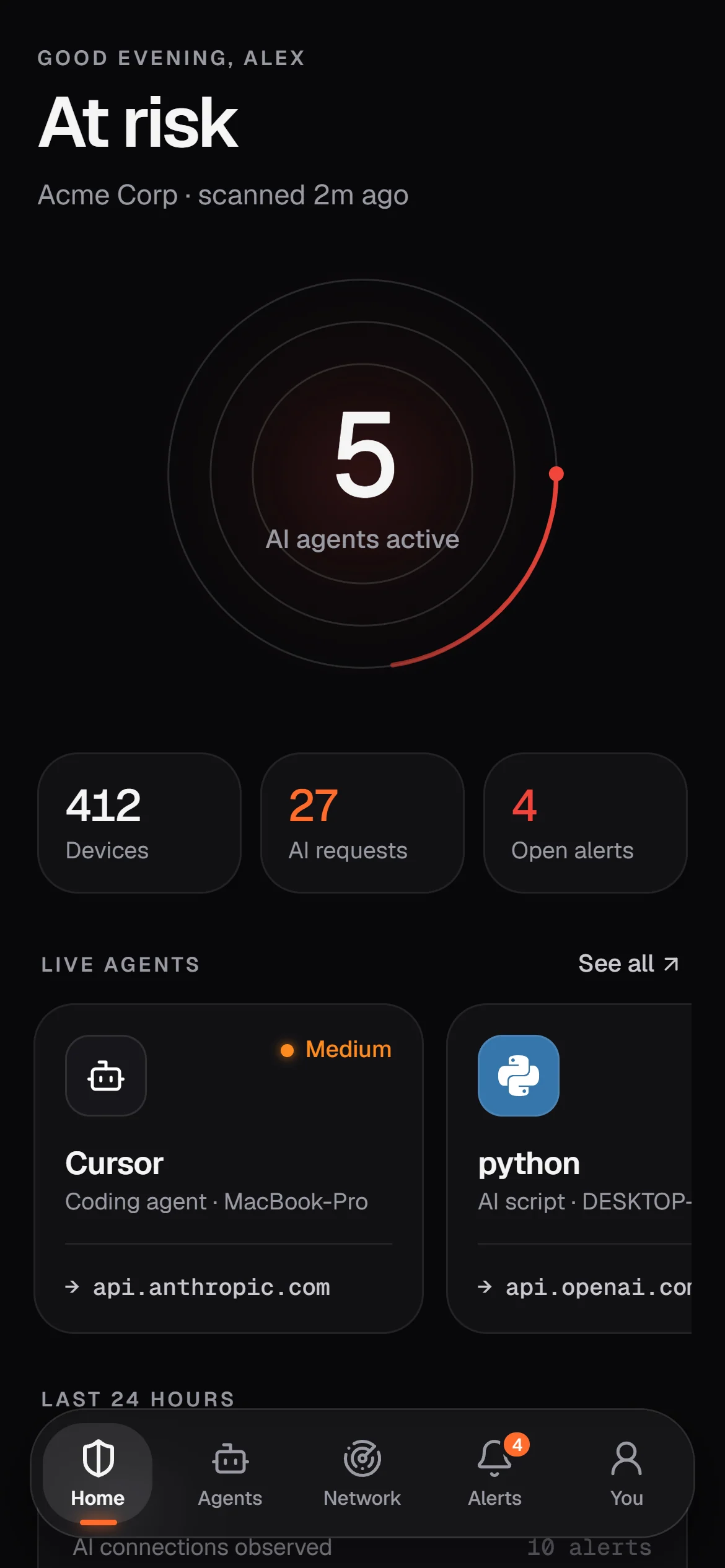
Status, at a glance
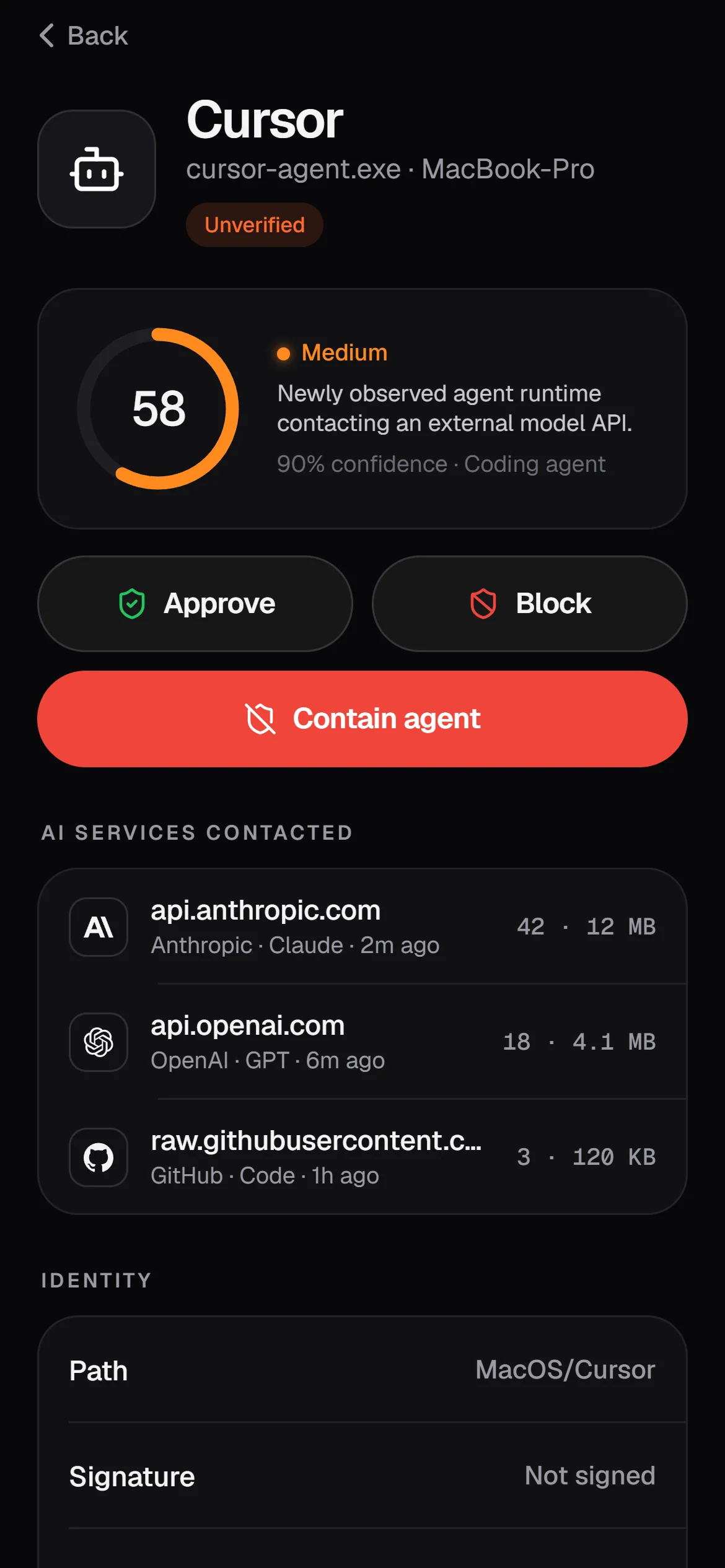
Every AI, explained
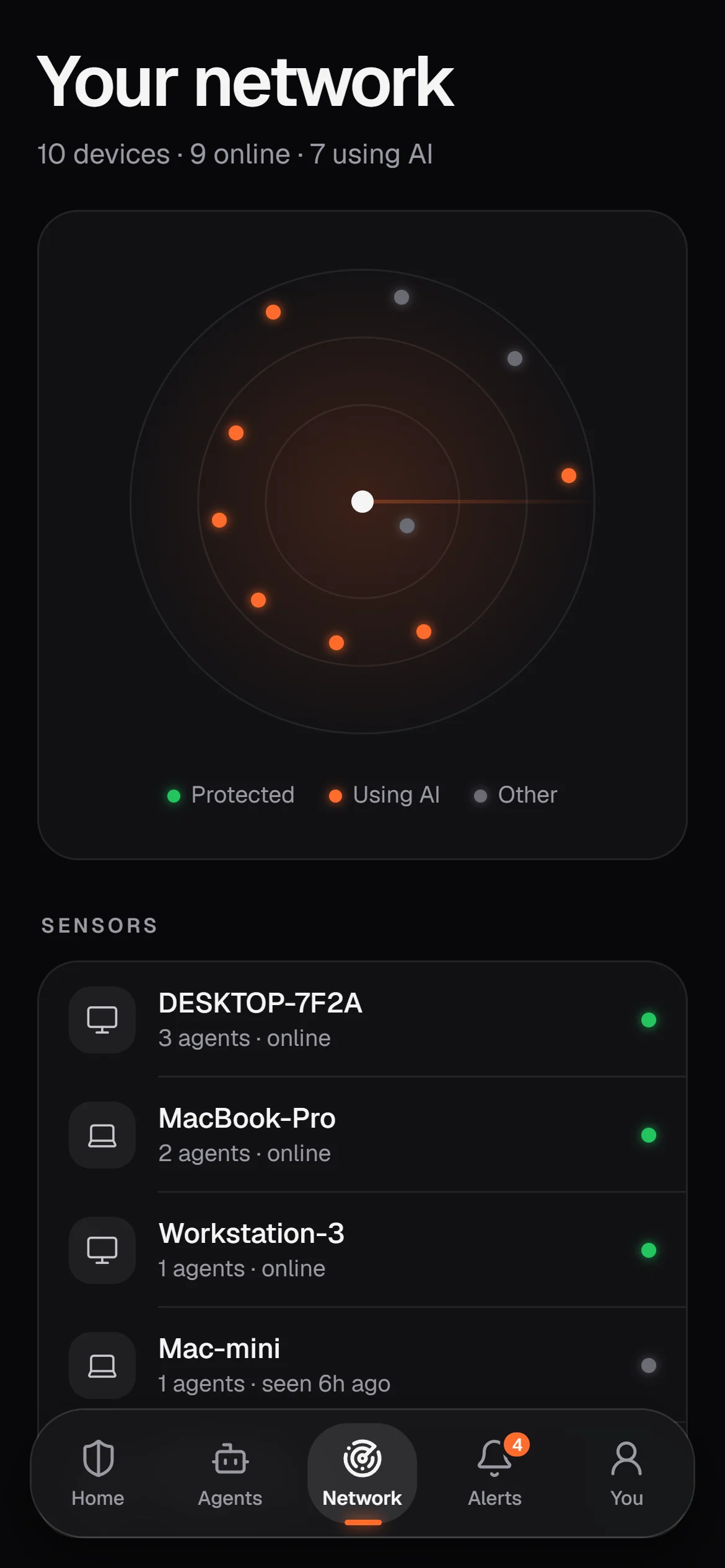
Your network, live
Watches AI.
Not you.
GreyArm watches what AI programs do — not what people type. Your conversations and files stay yours.
How GreyArm handles your dataDetection runs on your computer. Nothing leaves unless you link an account.
Which program reached which AI service. Never prompts, files or replies.
Nothing is blocked without your say, and every action is written to the record.
History expires with your plan window. Close the account, it all goes.
Free for one computer. $6 for the whole house.
New accounts get 14 days of Household free. No card needed.
One computer, fully protected.
- 1 device
- Full detection engine
- Local alerts & containment
- 7-day history
Every computer and phone in the house.
- Up to 10 devices
- DNS shield for every device
- Mobile app with push alerts
- Cloud console & email alerts
- 90-day history
Small businesses, teams and home labs.
- Up to 50 devices
- Everything in Household
- 1-year history
- Audit export & API
- Priority support
14-day trial on every paid plan. No card. Cancel anytime from the web app.