Every agent. Every endpoint.
A sensor on each computer, a shield for every other device, and one console that ties the house together — on desktop, web and your phone.
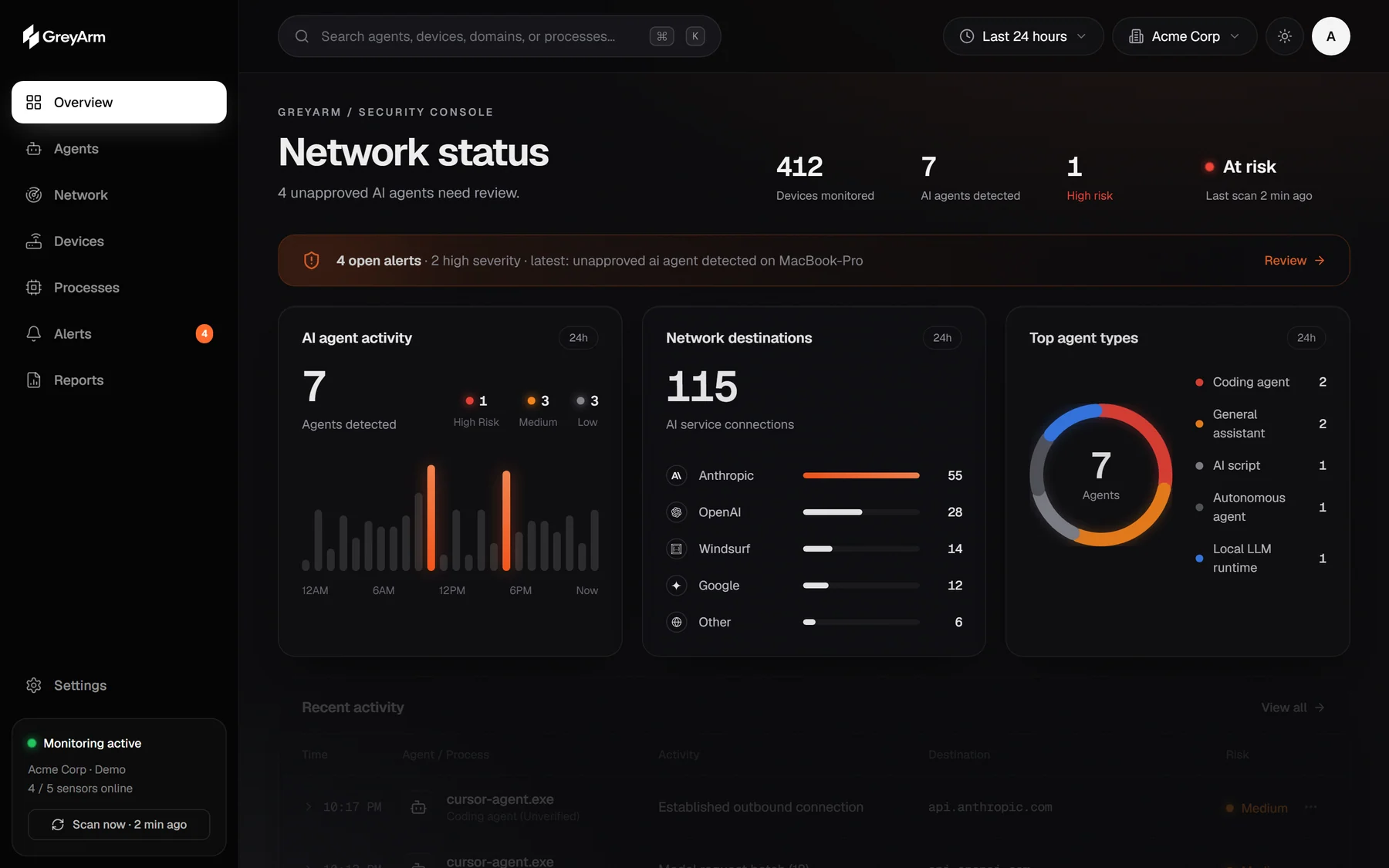
It knows what it’s looking at.
28 agent signatures and 30+ AI endpoints across 26 providers. Anything unnamed is caught by behaviour: an interpreter calling model APIs, a process fanning out to several providers, a browser with a debugging port open.
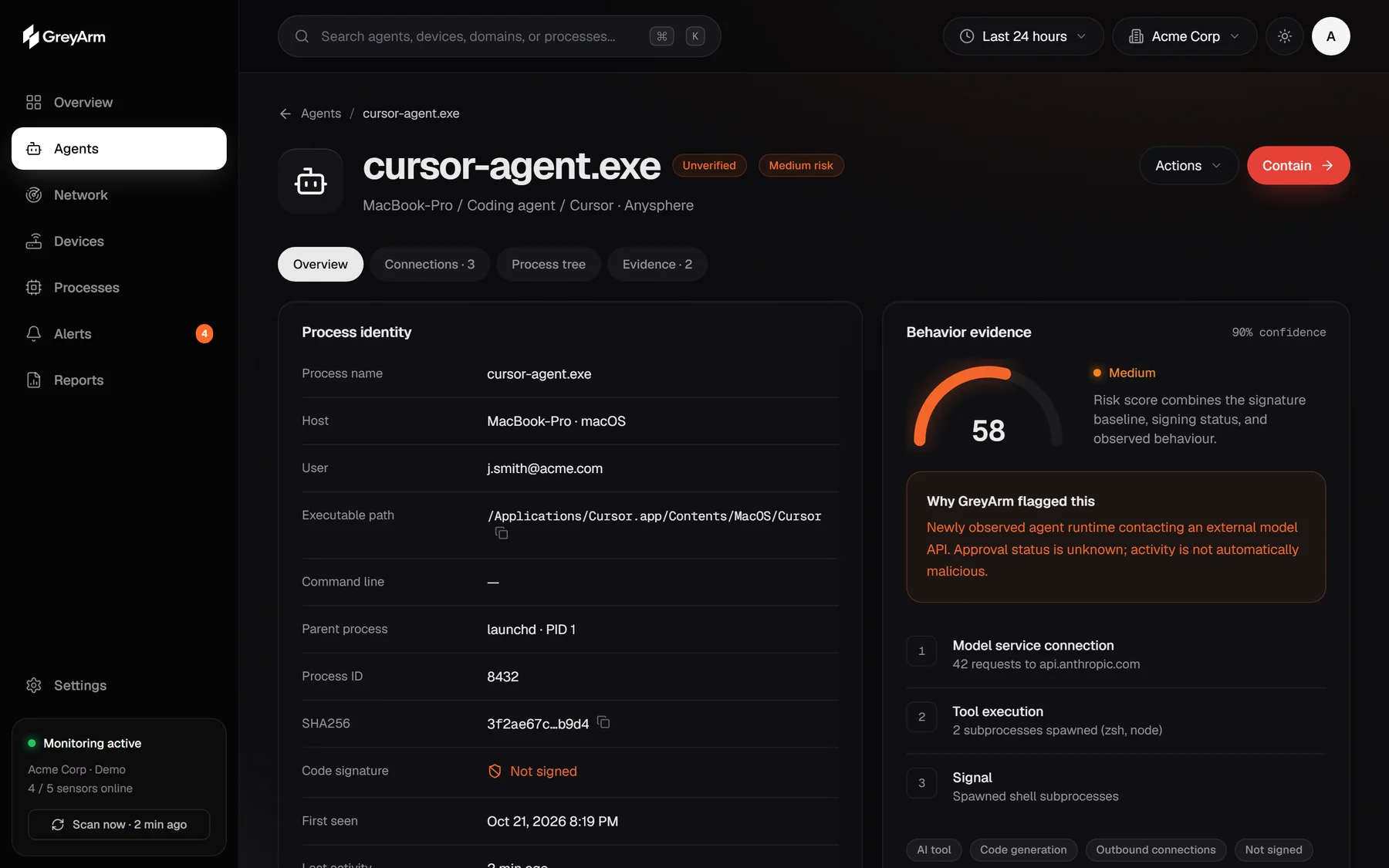
Ten rules. No black box.
Every alert comes from a documented rule, mapped to MITRE ATT&CK where it applies, with the raw evidence the sensor recorded.
One switch. Every device.
Phones, tablets, TVs and consoles can’t run a sensor — but they all ask your network for directions. Turn on the shield in the desktop app, point your router at it, and every AI lookup in the house is visible, named to a device, and blockable.
Approve, block, or stop it cold.
From the desktop, the web or your phone. The sensor on that computer terminates the process, adds a firewall rule for its AI endpoints, prevents it relaunching, or isolates the machine while keeping GreyArm connected — each step approved on the device and logged.
Desktop, web and mobile. One account.
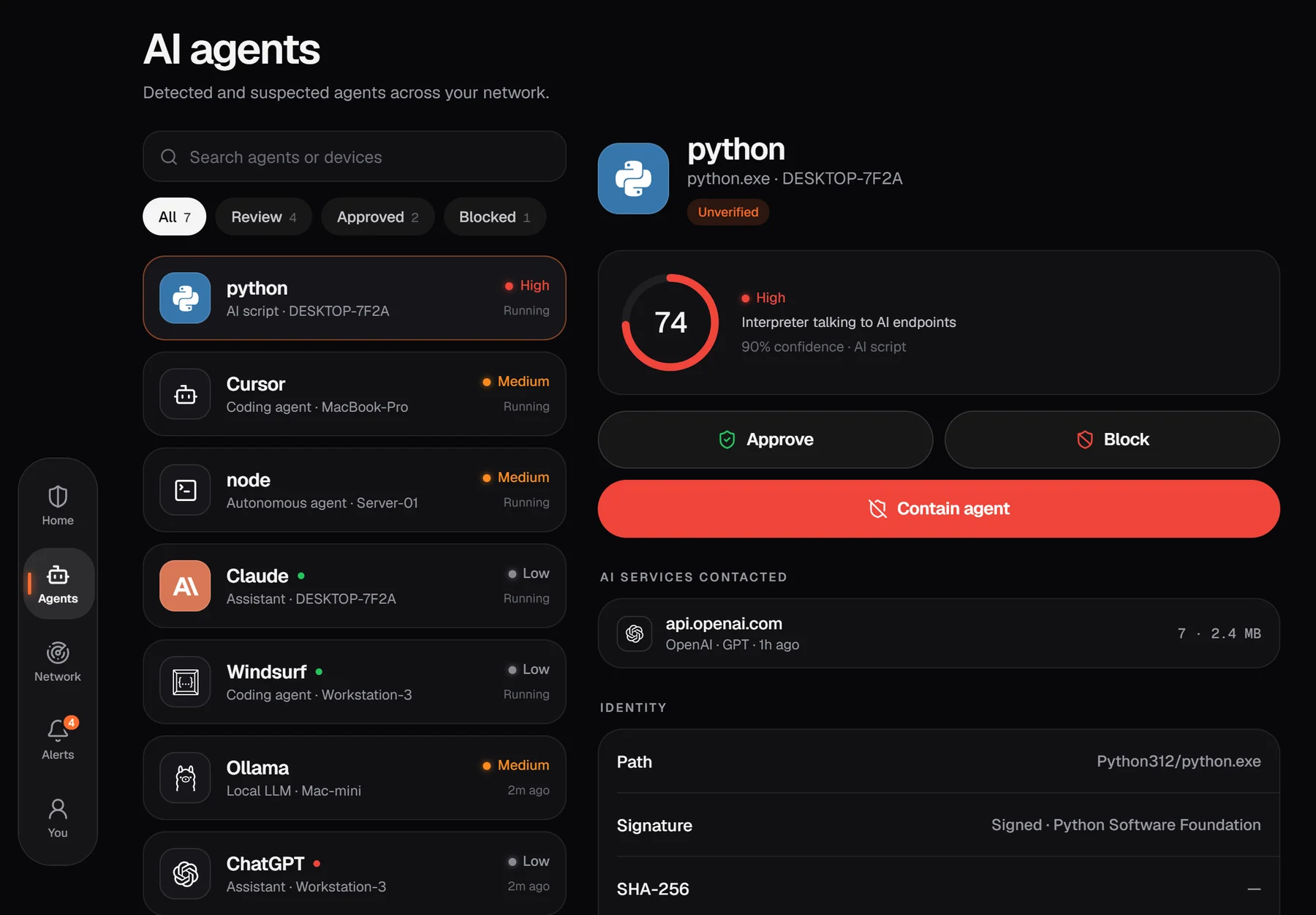
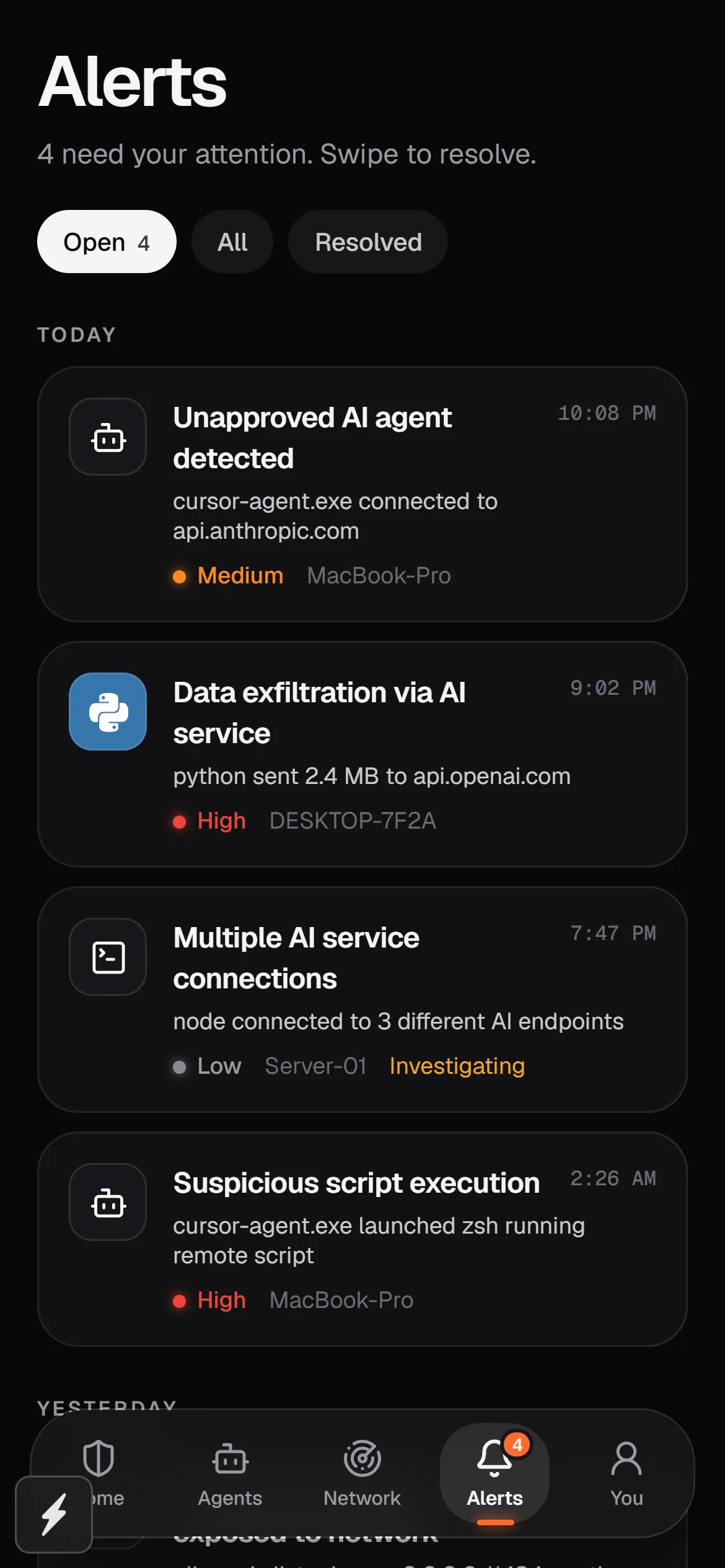
Tray app with local console, containment and the DNS shield. Works without an account.
Push alerts, one-tap containment, the network radar, and a tablet layout with side-by-side evidence.
Every linked computer, agent and alert, with devices, account and billing management.